How it works
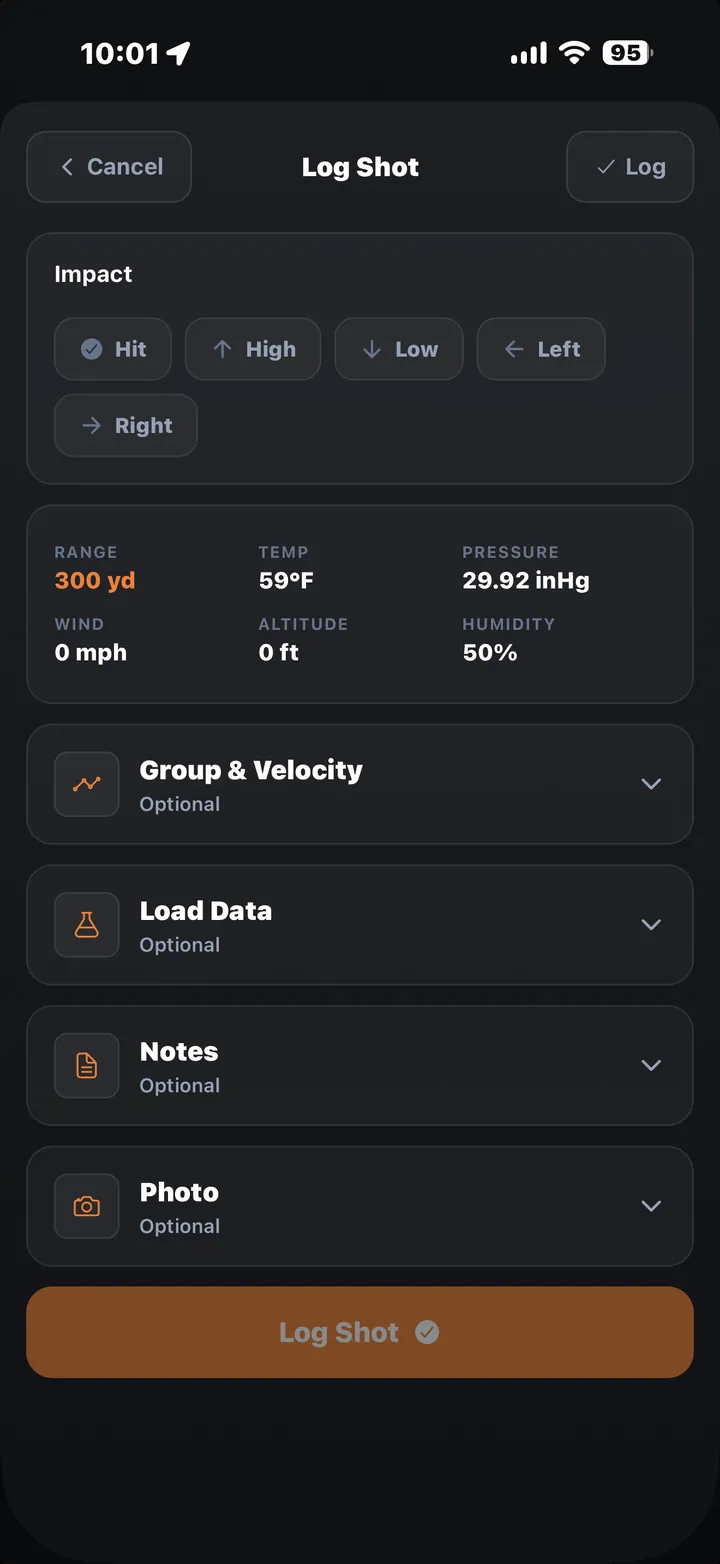
After a string, log it: mark where the shot landed relative to your call, record the measured group size, note the chronograph velocity if you ran one, add your load data, and attach a note or a photo of the target.
Every entry ties back to the exact rifle and ammo profile that fired it, so your log becomes a real history. You can look back at every group a rifle has ever put up with a specific handload, not just the last one you remember.
Why it matters
A shot log turns "I think that load shot better in the cold" into an actual answer you can pull up.
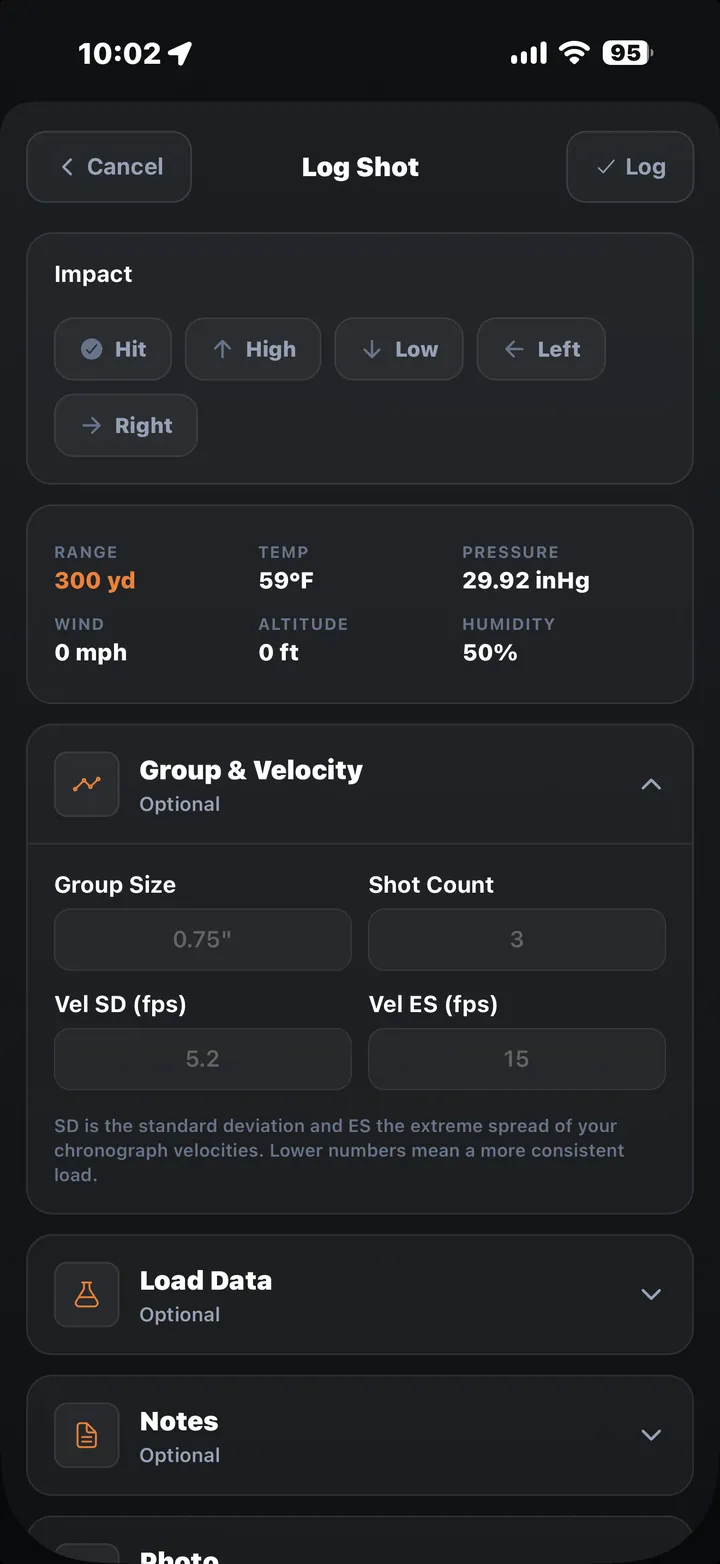
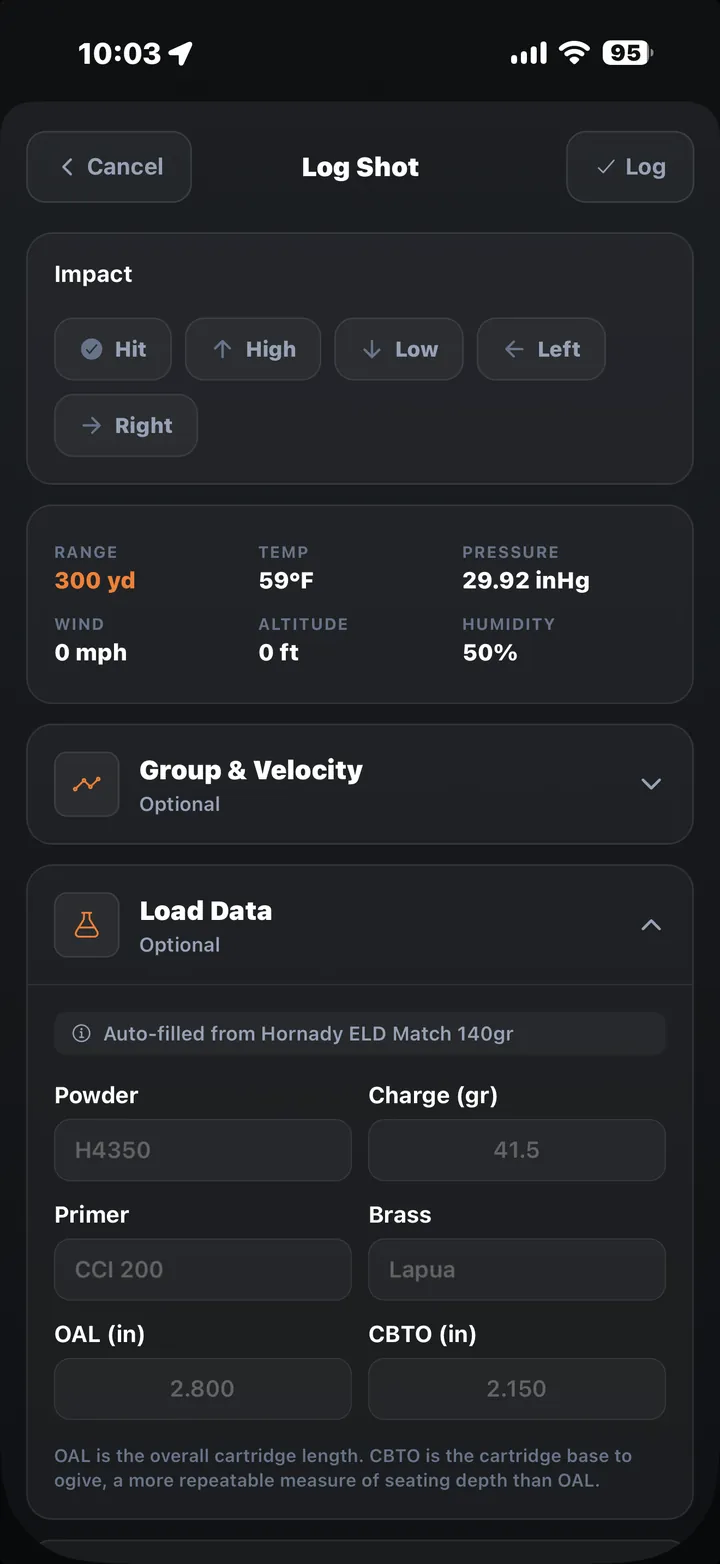
Photo attachments in the Shot Log are a Pro feature.